Anyone Can Hack IoT: A Beginner's Guide to Hacking Your First IoT Device
This talk provides a practical, entry-level methodology for identifying and exploiting vulnerabilities in commercial IoT devices. The speaker demonstrates how to locate and interface with hardware debug ports, specifically UART, to gain shell access and extract firmware. The presentation emphasizes the use of low-cost tools and basic Linux command-line utilities to perform reconnaissance and identify potential security flaws like command injection. The session concludes with guidance on responsible disclosure and the importance of analyzing firmware for hardcoded credentials and insecure configurations.
How to Get Root Shells on Cheap IoT Devices via UART
TLDR: Many low-cost IoT devices ship with exposed UART headers that provide direct access to the system console, often bypassing authentication entirely. By identifying these pins with a multimeter and using a simple USB-to-serial adapter, researchers can extract firmware, dump configuration files, and often drop straight into a root shell. This post outlines a repeatable methodology for hardware reconnaissance and exploitation that every pentester should have in their toolkit.
Hardware hacking is often perceived as a dark art requiring thousands of dollars in specialized equipment and a degree in electrical engineering. In reality, the barrier to entry for compromising most consumer IoT devices is remarkably low. Manufacturers frequently leave debug interfaces exposed on the PCB to streamline the manufacturing and quality assurance process. These interfaces are rarely disabled before the product hits the shelf, turning a simple router or smart camera into a playground for anyone with a ten-dollar USB-to-serial adapter.
The Hardware Reconnaissance Phase
Before you can exploit a device, you have to find the entry point. Most embedded Linux devices—the backbone of modern IoT—rely on UART (Universal Asynchronous Receiver-Transmitter) for serial communication. These are typically represented by a row of four pins on the board. While they aren't always labeled, they follow a standard pattern.
Your first step is to use a digital multimeter to identify the ground pin. Set your meter to continuity mode and probe the pins against a known ground point, such as the metal casing of a USB port or a large capacitor. Once you have identified ground, you can use the multimeter in DC voltage mode to find the Transmit (TX) and Receive (RX) pins. When the device boots, the TX pin will show a fluctuating voltage as the bootloader and kernel stream diagnostic logs.
If you don't have header pins, don't let that stop you. You can use test clips or even simple jumper wires held in place with a bit of pressure to make contact with the pads. The goal is to get a stable connection to your computer.
Establishing a Serial Connection
Once you have identified the pins, connect them to a USB-to-serial adapter. Remember the golden rule of serial communication: connect the device's TX to your adapter's RX, and the device's RX to your adapter's TX. If you connect TX to TX, you will hear nothing.
On a Linux host, you can identify your device by checking /dev/serial/by-id. To interact with the console, use a terminal emulator like screen. Most IoT devices communicate at a baud rate of 115200.
sudo screen /dev/ttyUSB0 115200
Power on the device while watching your terminal. If you have the correct pins, you will see the boot sequence scroll by. In many cases, the device will drop you into a root shell automatically once the boot process completes. Because embedded Linux systems often run as a single user, you rarely need to worry about privilege escalation—you are already at the top of the food chain.
Firmware Extraction and Analysis
If you cannot get a shell, or if you want to perform a deeper audit, you need the firmware. The easiest path is to check the vendor's support website. Many manufacturers provide firmware update files that are essentially compressed file systems. If you can't find it online, you can use a CH341A programmer to dump the SPI flash chip directly from the board.
Once you have the binary, binwalk is your best friend. It automates the process of identifying and extracting the file system.
binwalk -Me firmware.bin
This command will carve out the squashfs or jffs2 file system. Once extracted, you are looking for the "low-hanging fruit" that OWASP identifies as common IoT vulnerabilities: hardcoded credentials, API keys, and insecure configuration files. Navigate to /etc and /var to find configuration scripts. Look specifically for rcS or other initialization scripts in /etc/init.d. These files often contain the logic for how the device sets up its network, handles authentication, and interacts with cloud services.
The Risk of Unsanitized Input
The most critical finding in many of these devices is command injection. When you are analyzing the binaries in Ghidra, look for calls to system() or popen(). If the device takes user input—like an IP address in a ping utility—and passes it directly to a shell command without sanitization, you have a remote code execution vulnerability.
This is a classic A03:2021-Injection flaw. Developers often assume that because the input is coming from a "trusted" web interface, it doesn't need to be validated. As a researcher, your job is to prove that assumption wrong.
Moving Forward
Hardware security is not about having the most expensive lab; it is about having a systematic approach to reconnaissance. Start by identifying the debug ports, get a shell, and then pivot to the firmware. If you find a hardcoded password or a command injection vulnerability, follow responsible disclosure practices. Most vendors will eventually patch these issues if you provide a clear, reproducible proof of concept.
The next time you see a cheap router in a dumpster or a smart camera on sale, don't just see a piece of plastic. See a Linux system waiting to be audited. What you find inside might surprise you.
Vulnerability Classes
Target Technologies
Attack Techniques
Up Next From This Conference
Breaking Secure Web Gateways for Fun and Profit
Listen to the Whispers: Web Timing Attacks That Actually Work
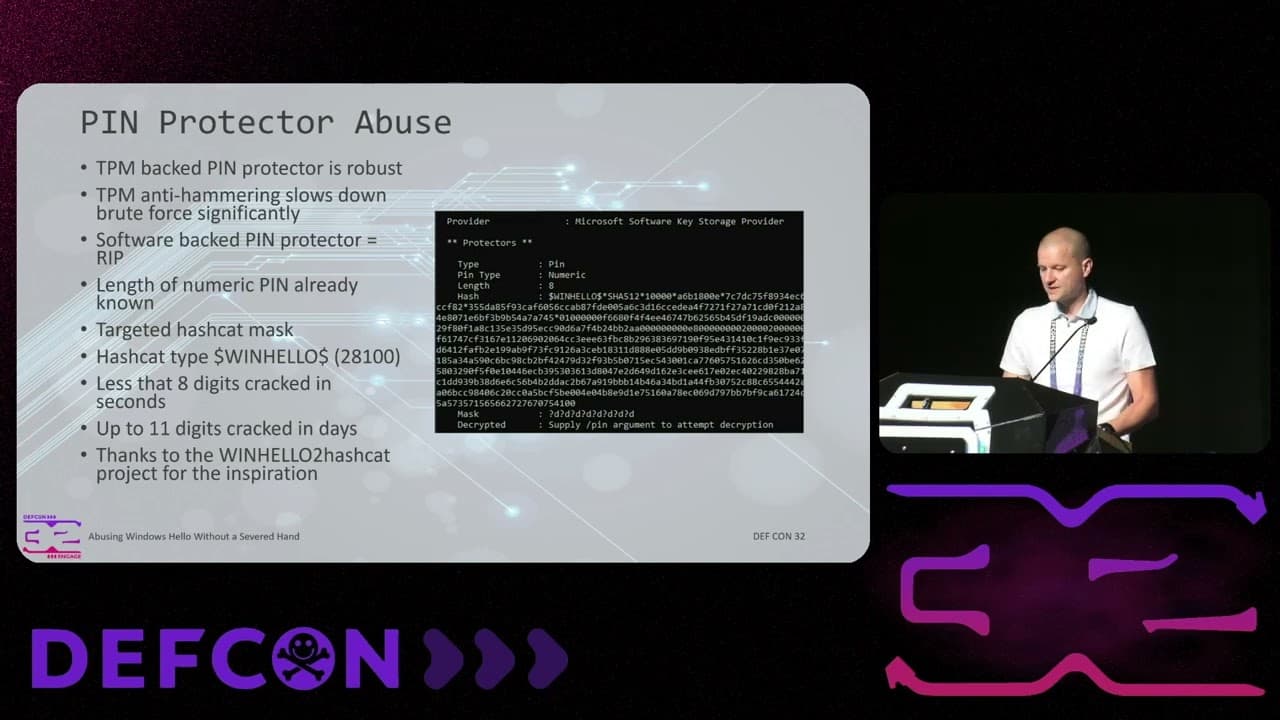
Abusing Windows Hello Without a Severed Hand
Similar Talks
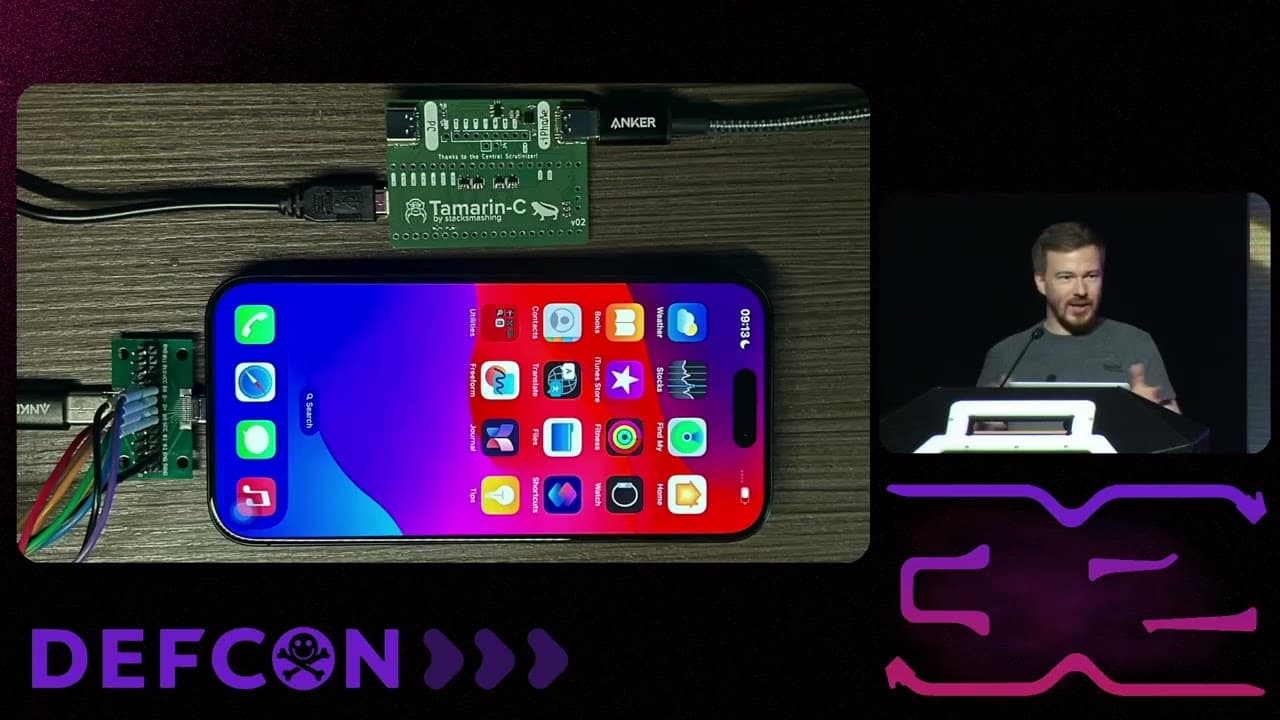
Hacking Apple's USB-C Port Controller
Unmasking the Snitch Puck: The Creepy IoT Surveillance Tech in the School Bathroom