Silent Leaks: Harvesting Secrets from Shared Linux Environments
This talk demonstrates how to harvest sensitive credentials and API keys from shared Linux environments by exploiting insecure process argument visibility and improper file permissions in temporary directories. The research focuses on multi-user hosting platforms, specifically targeting web hosting panels that fail to properly isolate user processes and temporary files. The presenter shows how standard Linux utilities like 'ps' can be used to extract secrets from command-line arguments and how monitoring '/tmp' can reveal sensitive data from automated scripts. The talk highlights the critical need for proper process isolation and secure temporary file handling in multi-tenant environments.
Harvesting Secrets from Shared Linux Environments via Process Argument Leaks
TLDR: Shared Linux hosting environments often fail to isolate user processes, allowing attackers to read sensitive command-line arguments from other users. By running simple loops with
psor monitoring/tmpfor temporary files, researchers can extract database credentials, API keys, and session tokens. This research demonstrates that even in "hardened" environments, improper process isolation and insecure temporary file handling remain critical, high-impact vulnerabilities.
Multi-tenant Linux environments are everywhere. From shared web hosting panels to educational labs and CTF infrastructure, the assumption of isolation is often just that—an assumption. When you land a shell on a shared server, you are rarely alone. The operating system is designed for transparency, and that design choice is a goldmine for anyone looking to move laterally or escalate privileges without ever needing a kernel exploit.
The core issue here is process visibility. Linux systems, by default, allow any user to view the process list and, more importantly, the command-line arguments of other users' processes. When a web hosting panel or an automated script executes a command like wp-config or a database restore, it often passes sensitive information—such as database passwords or API keys—directly as command-line arguments. If you have a low-privileged shell, you can see these secrets in plain text.
The Mechanics of the Leak
The most straightforward way to exploit this is by monitoring the process list. The ps utility is the standard tool for this, but it is often restricted or aliased in hardened environments. However, even when ps is restricted, the underlying data is still accessible via the /proc filesystem. Every process has a directory in /proc containing its status, environment variables, and command-line arguments.
If you have shell access, you can run a simple loop to capture these arguments in real-time. The following command is a classic example of how to scrape this data:
while true; do ps auxww | grep -v "grep" >> /tmp/harvest.log; sleep 0.1; done
This script runs every 100 milliseconds, capturing the full command line of every process running on the system. In a shared hosting environment, this will inevitably capture the setup scripts of other users. When a user installs a new WordPress site, the hosting panel might run a command that includes the database password as an argument. Because that process is visible to you, the password is now yours.
Beyond Process Arguments: The /tmp Trap
While process argument leaking is powerful, it is not the only vector. Many web applications and hosting panels use the /tmp directory to store temporary files during installation, backup, or restoration processes. These files often contain SQL dumps, configuration files, or session data.
The vulnerability here is twofold: insecure file permissions and predictable file naming. If a hosting panel creates a temporary file with world-readable permissions, any user on the system can read it. Even if the file is deleted immediately after use, an attacker can use a script to monitor the directory and grab the file the instant it is created.
This is a classic Broken Access Control scenario. The application assumes that because the file is in a temporary directory, it is safe. It is not. If you are testing a multi-tenant environment, always check the permissions of files in /tmp and /var/tmp. If you can read them, you can often find enough information to compromise the entire hosting panel or individual user accounts.
Real-World Impact for Pentesters
During a penetration test or a bug bounty engagement, these techniques are often the fastest path to a full system compromise. You do not need a zero-day exploit or a complex chain of vulnerabilities. You just need to be patient and observant.
When you land on a shared server, your first step should be to map the environment. Check if you can list processes. Check if you can read /proc. If you can, start your monitoring scripts immediately. The goal is to capture the "noise" of the system. In a busy hosting environment, you will eventually see an administrator or another user performing a sensitive action.
The impact is significant. You can obtain database credentials, which leads to full control over the web applications hosted on the server. You can find API keys for third-party services, which allows for further Identification and Authentication Failures. In many cases, you can even find the credentials for the hosting panel itself, giving you administrative access to the entire infrastructure.
Defensive Considerations
Defending against these leaks requires a shift in how we think about multi-tenancy. The most effective mitigation is to prevent users from seeing each other's processes entirely. This can be achieved by mounting the /proc filesystem with the hidepid=2 option. This restricts the visibility of processes to only those owned by the user, effectively neutralizing the ps and /proc scraping techniques.
Additionally, hosting providers should move away from shared file systems where possible and adopt containerization technologies like Docker or LXC. These tools provide the necessary namespace isolation to ensure that one user's temporary files and processes are invisible to others. If you are managing a shared environment, audit your scripts to ensure they do not pass sensitive data as command-line arguments. Use environment variables or configuration files with restricted permissions instead.
Security is not just about patching software; it is about understanding the assumptions your system makes about its environment. When those assumptions are wrong, the system is vulnerable. Stop assuming your users are isolated and start verifying it.
Vulnerability Classes
Tools Used
Attack Techniques
All Tags
Up Next From This Conference
DisguiseDelimit: Exploiting Synology NAS with Delimiters and Novel Tricks
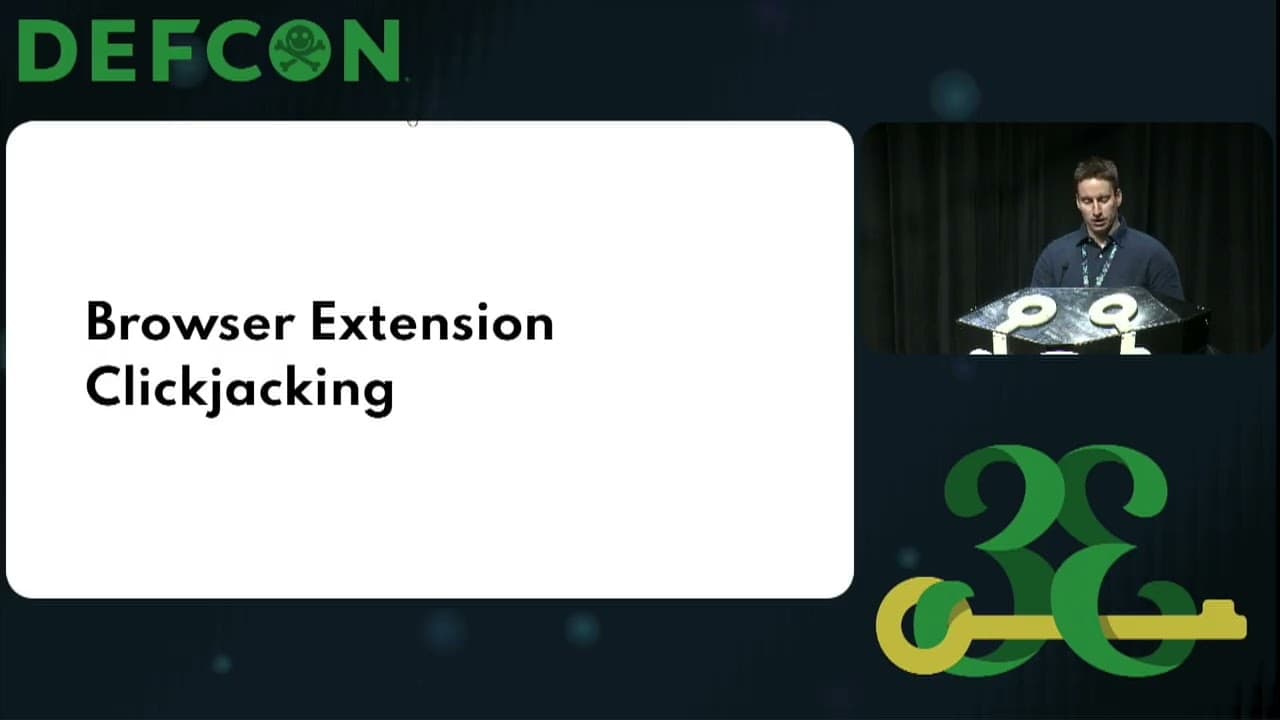
Browser Extension Clickjacking: One Click and Your Credit Card Is Stolen
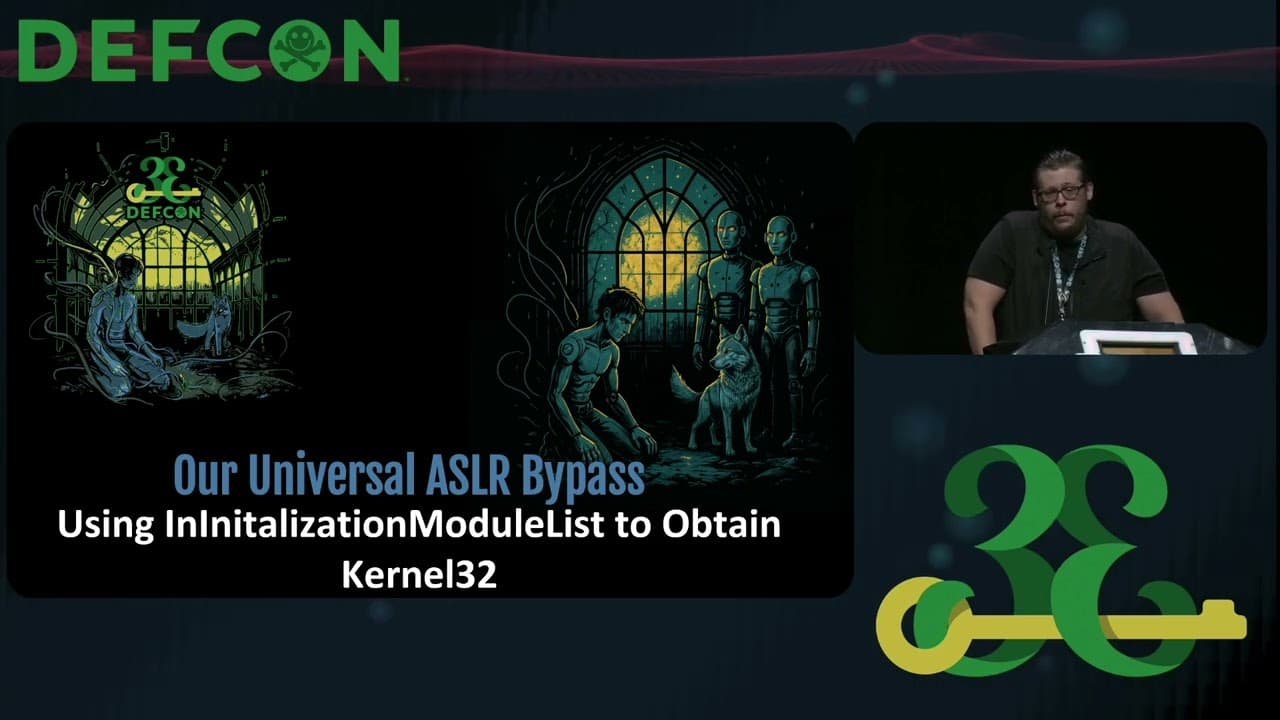
Can't Stop the ROP: Automating Universal ASLR Bypasses for Windows
Similar Talks

Kill List: Hacking an Assassination Site on the Dark Web
Exploiting Shadow Data in AI Models and Embeddings