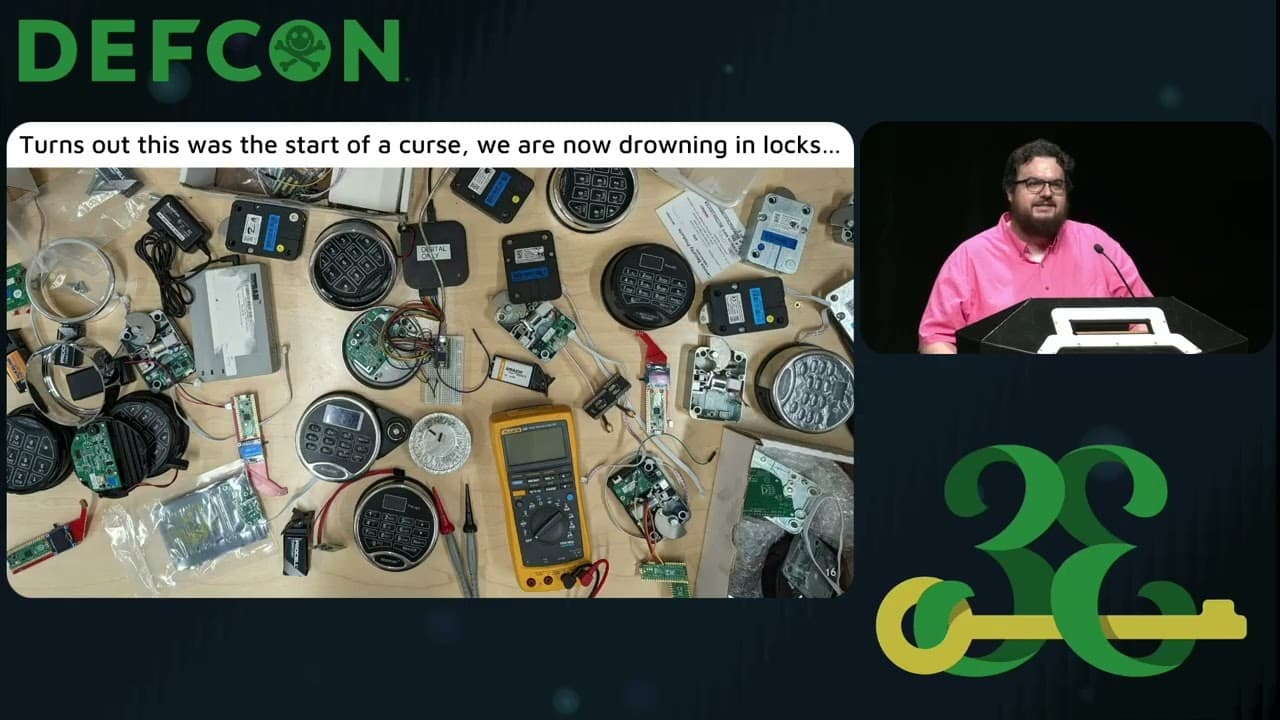
Badge Creation 101: From SAO to Full #badgelife
This talk provides a practical, step-by-step guide to designing and manufacturing custom hardware badges for security conferences. It covers the entire lifecycle from initial circuit design and component selection to PCB layout using electronic design automation (EDA) tools. The presentation emphasizes the importance of designing for manufacturability, including considerations for component availability, reworkability, and cost-effective production. It also highlights the role of open-source hardware in accelerating the development process for hobbyists and security researchers.
From Breadboard to Badge: A Practical Guide to Custom Hardware Hacking
TLDR: Building custom hardware badges for security conferences is a powerful way to learn PCB design, component selection, and manufacturing workflows. This guide breaks down the process from initial prototyping on a breadboard to final production using EDA tools like KiCad. By leveraging open-source hardware references, researchers can rapidly iterate on designs while avoiding common pitfalls like supply chain shortages and poor component placement.
Hardware hacking often feels like a black box to software-focused security researchers. We spend our days hunting for memory corruption or logic flaws in web applications, but when it comes to the physical layer, many of us stop at basic soldering or simple serial debugging. The reality is that designing your own hardware is the fastest way to demystify the devices you are testing. Whether you are building a badge for a conference or a custom implant for a red team engagement, the workflow is surprisingly accessible if you stop trying to reinvent the wheel.
The Anatomy of a Badge
At its core, a conference badge is just a microcontroller (MCU) connected to some peripherals—usually LEDs, a screen, and maybe a sensor or two. The "Simple Add-On" (SAO) standard is the industry-standard way to add modularity to these designs. It is a six-pin interface that provides power and communication lines, allowing you to attach secondary boards to a host badge.
When starting a new design, do not attempt to build an ultra-optimized, power-efficient masterpiece. Your first goal is to get a functional board in your hands. Use a breadboard to prototype your circuit. If you blow an LED or fry a resistor, you can swap it out in seconds. Once the logic is sound, you move to an EDA tool. KiCad is the industry standard for open-source hardware, and it is what most of the community uses. If you are looking for a more integrated experience with a specific manufacturer, EasyEDA is a viable alternative, though it is more tightly coupled to the JLCPCB ecosystem.
Designing for Manufacturability
The biggest mistake beginners make is ignoring the physical constraints of the manufacturing process. You might design a beautiful, complex board, but if the components are unavailable or the footprint is wrong, you are dead in the water.
Always start with a working reference design. The Raspberry Pi Foundation provides excellent reference designs for their RP2350 chips. By using these as your base, you inherit a proven circuit for power management, clocking, and USB connectivity. You only need to add your custom logic on top.
When selecting components, pay attention to the footprint. A footprint is the physical layout of pads and holes on the PCB that matches the component's pins. If you use the wrong one, the part won't fit. Manufacturers like JLCPCB provide libraries that include both the schematic symbol and the footprint, but always verify them against the component's datasheet. If you are unsure, use a tool like easyeda2kicad to import verified parts directly into your project.
The Reality of Production
Once your design is ready, you need to generate the files for the factory. This involves creating a Bill of Materials (BOM) and a Coordinate Placement List (CPL) file. The BOM tells the factory what parts to buy, and the CPL tells the pick-and-place machine where to put them.
Expect things to go wrong. Even with a perfect design, parts fail. If you are planning to distribute 100 badges, order parts for 120. This 20% buffer is essential for handling assembly errors or dead-on-arrival components. If you are using a screen or a complex peripheral, the manual labor of soldering 100 of them is non-trivial. If you can, pay the factory for assembly. It is worth the extra cost to avoid spending your entire conference weekend with a soldering iron in a hotel room.
Why This Matters for Security
Understanding how to build a badge is fundamentally the same skill set required to understand how to bypass hardware security. When you know how a PCB is laid out, you can better identify test points, understand power rails, and spot where an attacker might inject a fault.
If you want to get started, pick a simple project. Maybe it is a badge that just blinks an LED or displays a custom message on an OLED screen. Use the Adafruit NeoPixel library for lighting effects or TFT_eSPI for screen control. These libraries are well-documented and support a massive range of MCUs.
Hardware hacking is not about being an electrical engineer; it is about being a tinkerer who isn't afraid to break things. The barrier to entry has never been lower. Stop reading about it and start routing your first trace. You will learn more from a single failed board than you will from a dozen tutorials. When you finally see your own custom hardware blink to life, you will have a much clearer picture of the hardware you are attacking in the field.
Tools Used
Target Technologies
All Tags
Up Next From This Conference

Similar Talks
Unmasking the Snitch Puck: The Creepy IoT Surveillance Tech in the School Bathroom
Anyone Can Hack IoT: A Beginner's Guide to Hacking Your First IoT Device