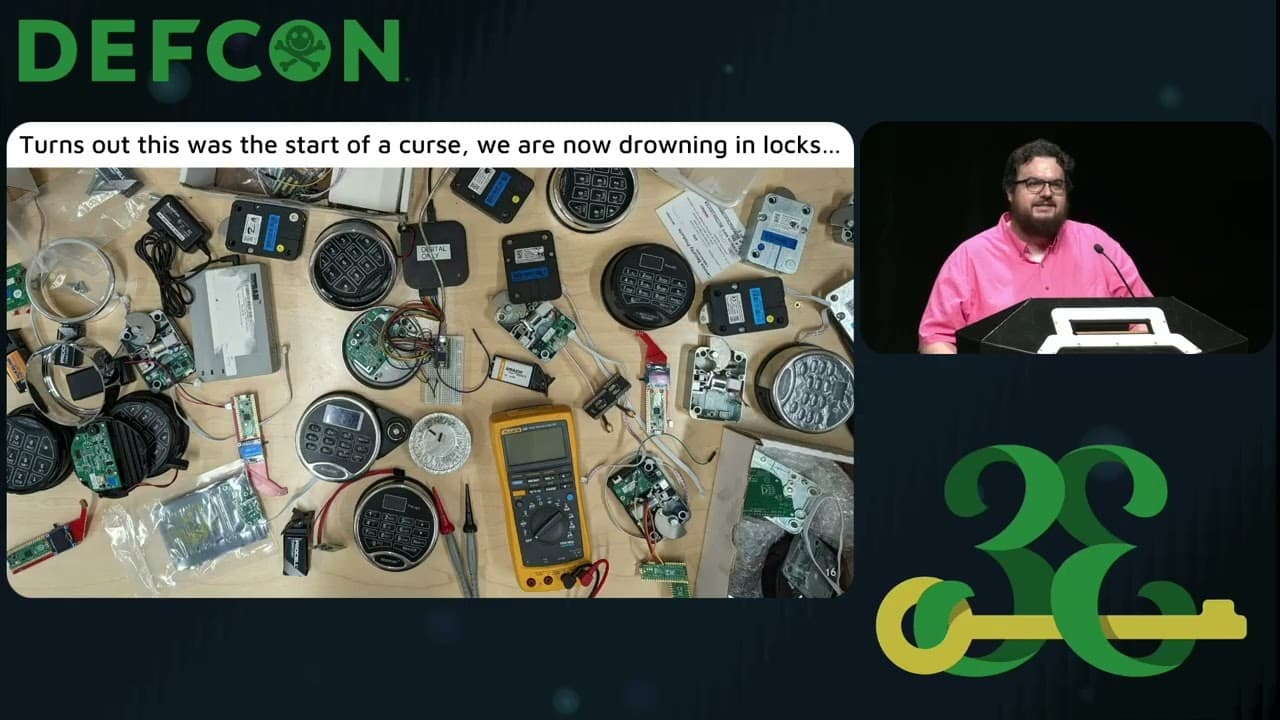
Color Blasted Badge Making
This panel discussion explores the technical processes and challenges of creating custom, high-quality conference badges using UV printing and traditional silkscreening techniques. The speakers detail their workflows, including material selection, alignment strategies, and the use of custom jigs to ensure precision. They also discuss the practical limitations of these methods, such as color bleeding, ink curing requirements, and the trade-offs between cost and scalability.
Beyond the Soldering Iron: The Engineering Behind Custom Conference Badges
TLDR: Creating custom conference badges requires a blend of hardware design and specialized manufacturing techniques like UV printing and dye sublimation. This talk breaks down the practical workflows for achieving high-quality, durable, and aesthetically pleasing badges on a budget. For security researchers and hardware hackers, these methods provide a blueprint for rapid prototyping and small-batch production of custom hardware projects.
Hardware hacking is often associated with the frantic, late-night assembly of PCBs in a hotel room, but the real challenge lies in the final presentation. A badge that looks like a prototype is a missed opportunity. The recent panel at DEF CON 2024 on badge making moved past the standard "solder and pray" approach, focusing instead on the professional-grade techniques that turn a bare board into a polished, functional piece of hardware.
The Shift to UV Printing
UV printing has become the gold standard for high-resolution, full-color badge production. Unlike traditional screen printing, which relies on physical stencils and is limited by color count, UV printing uses a print head that moves across the substrate, depositing ink that is instantly cured by UV light.
The mechanical process is straightforward but unforgiving. You load your artwork as a PNG or PDF into the printer’s proprietary software, define the print area on the bed, and let the machine do the work. The critical technical hurdle here is alignment. Because UV printers are designed for flat surfaces, printing on a populated PCB requires a custom jig to keep the board stationary. If the board shifts by even a fraction of a millimeter during the back-and-forth movement of the print head, the registration will be ruined.
One of the most interesting takeaways from the panel was the use of UV printing for more than just aesthetics. The ink itself is an insulator. By printing a layer over exposed LEDs or sensitive components, you can effectively diffuse light or protect circuitry from accidental shorts. However, the curing process is a bottleneck. If you are using lower-cost, entry-level UV printers, you often need to add a secondary curing step, which can take an additional 10 to 15 minutes per batch.
Dye Sublimation for Small-Batch Prototyping
For those who don't have access to a high-end UV printer, dye sublimation offers a surprisingly effective alternative. This technique involves printing a design onto specialized transfer paper using an inkjet printer loaded with sublimation ink. You then place the paper face-down on the PCB and use a heated t-shirt press to transfer the ink into the surface coating of the board.
The chemistry here is the key. Sublimation ink turns into a gas when heated, bonding directly with the polymer coating on the PCB. This creates a finish that is incredibly durable and resistant to scratching. The primary limitation is heat. Because the process requires a heat press at roughly 360°F, you must populate your board and perform any necessary reflow soldering before the sublimation process. If you try to reflow a board after it has been dye-sublimated, the heat will cause the ink to outgas, leading to significant color degradation.
The Art of Silkscreening and Split Fountains
While UV printing and sublimation are digital-first, traditional silkscreening remains an essential skill for hardware hackers who need specific, high-contrast finishes. The process is identical to printing on textiles: you create a stencil on a mesh screen, apply an emulsion, and squeegee ink through the open areas.
The technical nuance here is the "split fountain" technique, which allows for a gradient effect using a single screen. By placing two different colors of ink side-by-side on the screen and pulling the squeegee across them, the colors blend at the interface. It is a manual, analog process that requires a high degree of finesse. As the panel speakers noted, this is an art, not a science. The more boards you print, the more the colors bleed into each other, eventually turning your clean gradient into a muddy mess.
For those interested in the basics of screen preparation and emulsion, OWASP’s hardware security resources provide a good starting point for understanding the physical constraints of PCB design, though you will need to look at industry-standard screen printing guides for the specific chemical handling required for UV-sensitive emulsions.
Practical Constraints for the Field
If you are planning to build your own custom badges, the biggest mistake is failing to account for the physical profile of the board. Both UV printing and dye sublimation are sensitive to surface topography. If your PCB has tall components like electrolytic capacitors or bulky connectors, the print head will collide with them, or the heat press will fail to make even contact.
Always design your badges with a "keep-out" zone for these manufacturing processes. Keep your components low-profile, and if you must use tall parts, place them on the side of the board that won't be printed. For those looking to dive deeper into the hardware side of badge design, the KiCad documentation is the best resource for managing your board layout and ensuring your design files are ready for these manufacturing techniques.
Ultimately, the best badge is one that balances complexity with reliability. Whether you choose the precision of UV printing or the accessibility of dye sublimation, the goal is to create something that invites interaction. Don't be afraid to experiment with the physical medium. The next time you are designing a badge for a CTF or a local meetup, treat the PCB as a canvas rather than just a circuit board. The tools are cheaper than you think, and the results are worth the effort.
Target Technologies
Up Next From This Conference
Breaking Secure Web Gateways for Fun and Profit
Listen to the Whispers: Web Timing Attacks That Actually Work
Abusing Windows Hello Without a Severed Hand
Similar Talks
Unmasking the Snitch Puck: The Creepy IoT Surveillance Tech in the School Bathroom
Anyone Can Hack IoT: A Beginner's Guide to Hacking Your First IoT Device