The Hidden Treasure of Crash Reports
This talk demonstrates how macOS and Windows crash reports can be leveraged by security researchers and attackers to identify vulnerabilities, debug software, and uncover failed exploitation attempts. It explains the technical structure of crash reports, including stack backtraces and thread states, and how they can be used to map crashes to source code. The presentation highlights how improper handling of error conditions and null pointers in system APIs can lead to exploitable memory corruption vulnerabilities. Finally, it provides a methodology for automating the collection and analysis of crash reports using endpoint security tools.
Why Your Next Bug Bounty Might Be Hiding in a Crash Report
TLDR: Crash reports are not just diagnostic noise; they are gold mines for identifying memory corruption, logic flaws, and even zero-day vulnerabilities. By analyzing stack backtraces and thread states in
.ipsfiles, researchers can map crashes directly to source code and identify exploitable conditions like null-pointer dereferences or heap overflows. This post breaks down how to automate the collection and analysis of these reports to find bugs that automated scanners consistently miss.
Most security researchers treat crash reports as something to be cleared out or ignored. When an application dies, the default reaction is to restart it and move on. This is a mistake. Crash reports are essentially a post-mortem of a process failure, and they contain the exact state of the application at the moment of death. If you are hunting for bugs, these files are often the shortest path to a reproducible exploit.
The Anatomy of a Crash
A crash report is a structured document that provides a snapshot of the process state. On macOS, these files end in the .ips extension and are stored in ~/Library/Logs/DiagnosticReports/. For a researcher, the most critical sections are the thread state and the stack backtrace.
The thread state tells you exactly what the CPU registers held at the time of the crash. If you see a register pointing to 0x0, you are looking at a classic null-pointer dereference. If you see a register holding a value that looks like a memory address but is clearly out of bounds, you have found a potential heap overflow or an out-of-bounds read.
The stack backtrace is even more valuable. It shows the sequence of function calls that led to the crash. By loading the binary into a disassembler like Hopper or using LLDB, you can map these addresses to specific functions. If the crash occurs within a system API, the bug is likely in how the application invoked that API, not in the API itself.
From Crash to Exploit
Consider a scenario where an application crashes while processing user input. If you can trigger that crash consistently, you have a primitive. The goal is to turn that primitive into code execution.
In one recent case, a researcher found that a specific application was passing an uninitialized pointer to a string comparison function. The crash report showed an EXC_BAD_ACCESS exception. By examining the stack backtrace, it became clear that the application was attempting to compare a string against a null pointer. Because the application did not validate the return value of the function that was supposed to initialize that pointer, it proceeded to use the garbage value as a memory address.
You can reproduce this behavior by using a debugger to force the application into the same state. If you can control the memory at the address the application is trying to access, you have moved from a simple crash to a controlled memory corruption. This is the foundation of T1068 (Exploitation for Privilege Escalation) and other high-impact attack vectors.
Automating the Hunt
Manually checking crash logs is tedious. To make this part of your workflow, you need to automate the collection and analysis. You can use Endpoint Security on macOS to monitor the DiagnosticReports directory.
By setting up a monitor on these directories, you can trigger a script whenever a new .ips file is created. Your script should:
- Parse the crash report to extract the process name and exception type.
- Filter out "junk" crashes, such as those occurring in the UI thread due to user interaction, which are rarely exploitable.
- Flag crashes that occur in privileged processes or system extensions.
This approach allows you to focus your time on the crashes that actually matter. If you are on a red team engagement, this is how you identify stability issues in security agents that might allow you to bypass them. If you are a bug bounty hunter, this is how you find vulnerabilities that automated tools like OWASP ZAP or Burp Suite will never see because they don't understand the internal state of the application.
Defensive Considerations
Blue teams should also be monitoring these reports. If a critical security agent is crashing repeatedly, it is not just a stability issue; it is a potential security hole. Attackers often use "crash-to-bypass" techniques where they intentionally trigger a crash in a security tool to see if it fails open or unloads its kernel extensions.
If you are a developer, the fix is almost always the same: validate your inputs, check your return values, and never assume a pointer is initialized. Use static analysis tools to catch these issues before they reach production. If you see a compiler warning about an uninitialized variable, fix it. It is rarely a false positive.
Crash reports are not just for debugging; they are a window into the logic of the software you are testing. Stop treating them as trash and start treating them as a roadmap to your next finding. The next time an application crashes on you, don't just restart it. Open the log, look at the stack, and ask yourself why the developer thought that pointer would be valid. You might be surprised by what you find.
CVEs
Vulnerability Classes
Target Technologies
OWASP Categories
All Tags
Up Next From This Conference


Similar Talks

Hacking Apple's USB-C Port Controller
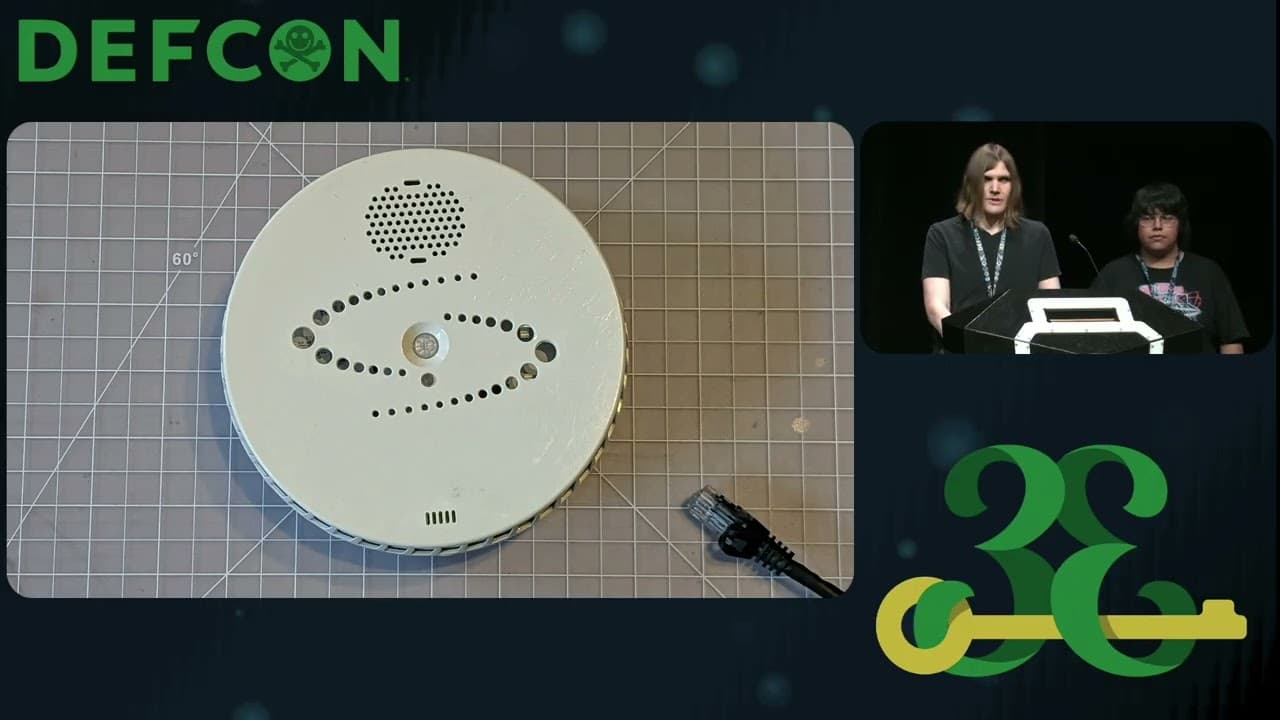
Unmasking the Snitch Puck: The Creepy IoT Surveillance Tech in the School Bathroom