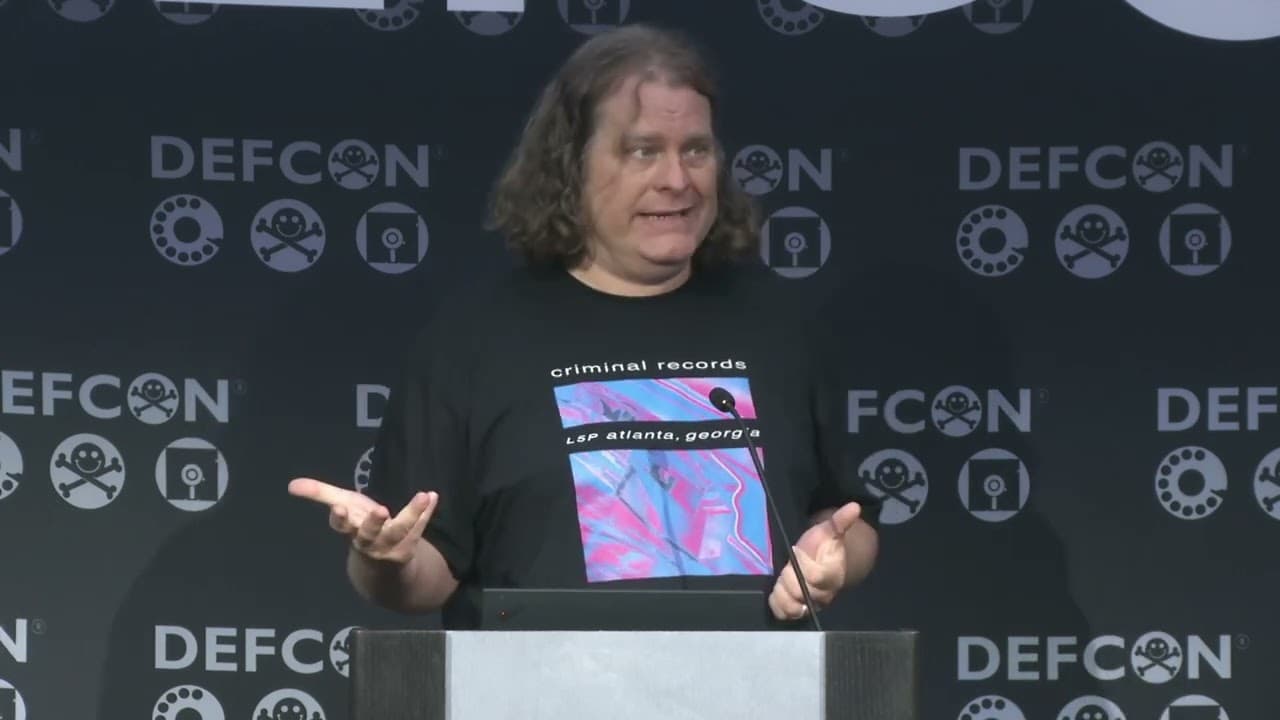
DEF CON: A History and Future Outlook
This talk provides a historical overview of the DEF CON conference, focusing on its evolution from a small gathering to a global community of security researchers. It highlights the conference's role in fostering a culture of collaborative hacking, information sharing, and the development of security tools. The presentation emphasizes the importance of community-driven research and the ongoing need for ethical engagement in the cybersecurity landscape.
Why Your First Tool Might Still Be Your Best Lesson in Network Recon
TLDR: This talk revisits the early days of network scanning through the lens of the original SATAN tool, highlighting how foundational concepts in vulnerability assessment remain relevant today. While modern scanners are faster and more automated, the core principle of identifying misconfigurations and open services through active probing is unchanged. Pentesters should look past the automation of current tools to understand the underlying network traffic and service responses that define a successful engagement.
Security research often feels like a race to find the newest zero-day, but the most effective testers are those who understand the mechanics of the tools they rely on every day. When we look back at the evolution of network scanning, we see a clear trajectory from manual, script-based discovery to the highly automated, black-box scanners that dominate modern engagements. The history of tools like SATAN serves as a reminder that the fundamental goal of reconnaissance is not just to generate a list of vulnerabilities, but to understand the attack surface of a target network.
The Mechanics of Early Reconnaissance
Before the era of massive vulnerability databases and cloud-native security platforms, researchers had to build their own visibility. The release of SATAN in the mid-nineties changed the game by automating the process of probing for known vulnerabilities across a network. Mechanically, it functioned by sending specific packets to target ports and analyzing the responses to determine if a service was vulnerable to common exploits of the time.
This approach is the direct ancestor of modern tools like Nmap. While the sophistication of the probes has increased, the fundamental interaction between the scanner and the target remains the same. You send a packet, you wait for a response, and you interpret that response to map out the environment. When you are running a scan today, you are essentially performing a high-speed, multi-threaded version of what those early tools did. The risk is that by relying solely on the output of a scanner, you lose the ability to interpret the "why" behind a finding.
Beyond the Scanner Output
A common trap for junior researchers is treating a scanner report as the final word. If a tool flags a service as vulnerable, the immediate instinct is to look for an exploit. However, the most interesting findings often come from the anomalies that scanners miss or misinterpret. During a penetration test, you might encounter a service that doesn't fit the standard signature of a known vulnerability. This is where your knowledge of protocols and network behavior becomes your primary asset.
If you are testing a web application, you should be familiar with the OWASP Top 10 to understand how common misconfigurations manifest in HTTP responses. A scanner might tell you that a directory is accessible, but it won't tell you if that directory contains sensitive configuration files or backup scripts that could lead to full system compromise. You need to manually verify these findings by interacting with the service directly. Using tools like Burp Suite allows you to intercept and modify traffic, giving you the control to test edge cases that automated scanners are not programmed to handle.
The Reality of Modern Engagements
In a real-world engagement, you are often working against time and scope constraints. Automated tools are necessary to cover the breadth of a large network, but they should be used to guide your manual efforts, not replace them. When you identify a potential entry point, stop the automation. Take the time to manually probe the service, analyze the headers, and test for common injection vectors. This is where you find the bugs that automated tools miss, and it is where you provide the most value to your clients.
The impact of a well-executed manual test is significantly higher than a generic scanner report. When you can demonstrate a clear path from a minor misconfiguration to unauthorized access, you change the conversation with the client from "we have a vulnerability" to "we have a critical risk." This is the difference between a checkbox compliance exercise and a high-impact security assessment.
Staying Grounded in Fundamentals
Defenders have also become much better at detecting automated scanning. If you run a loud, unoptimized scan against a modern enterprise network, you will likely be blocked or flagged by an Intrusion Detection System (IDS) or a Web Application Firewall (WAF). Understanding how to tune your scans, use stealthier techniques, and interpret the responses you receive is essential for any serious researcher.
The history of our field is built on the work of those who took the time to understand the underlying technology. Whether you are using a modern vulnerability scanner or a custom script, the goal remains the same: to find the gaps in the armor. Keep your focus on the fundamentals, maintain a healthy skepticism of your tool's output, and never stop digging into the details that others ignore. The next big finding is rarely in the top ten results of a scan; it is usually hidden in the noise that everyone else is filtering out.
Tools Used
Up Next From This Conference
DisguiseDelimit: Exploiting Synology NAS with Delimiters and Novel Tricks
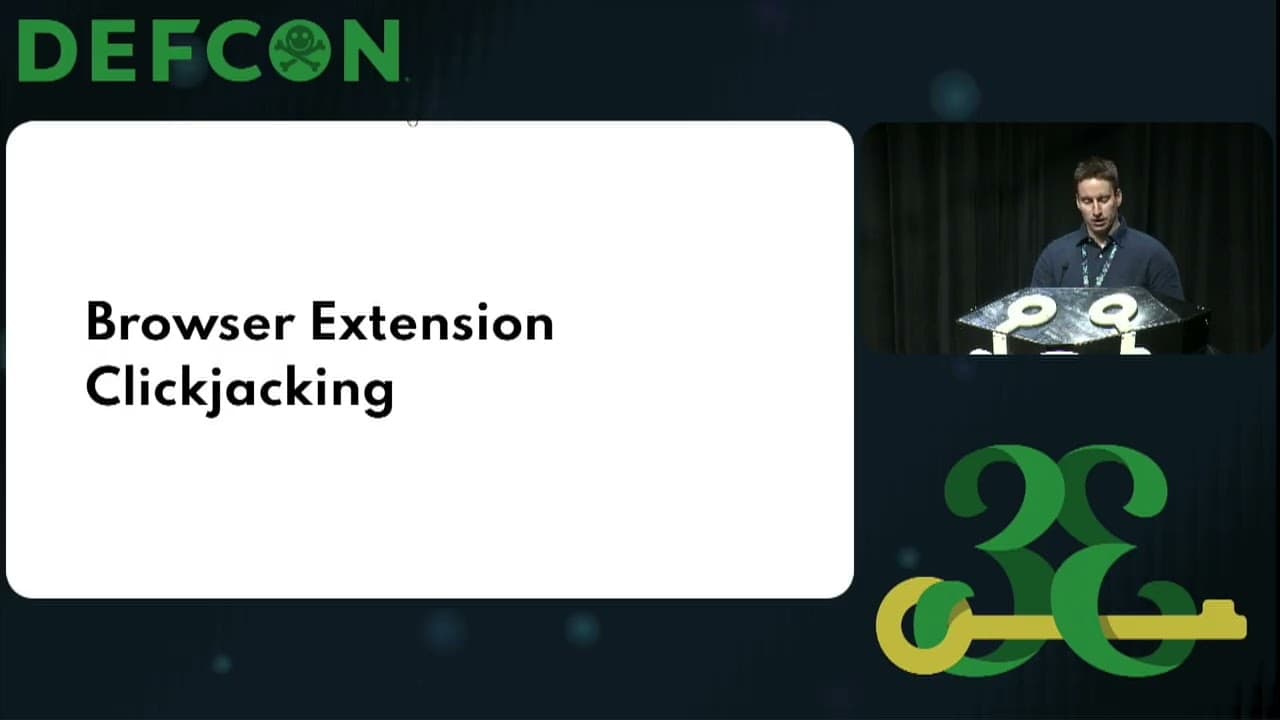
Browser Extension Clickjacking: One Click and Your Credit Card Is Stolen
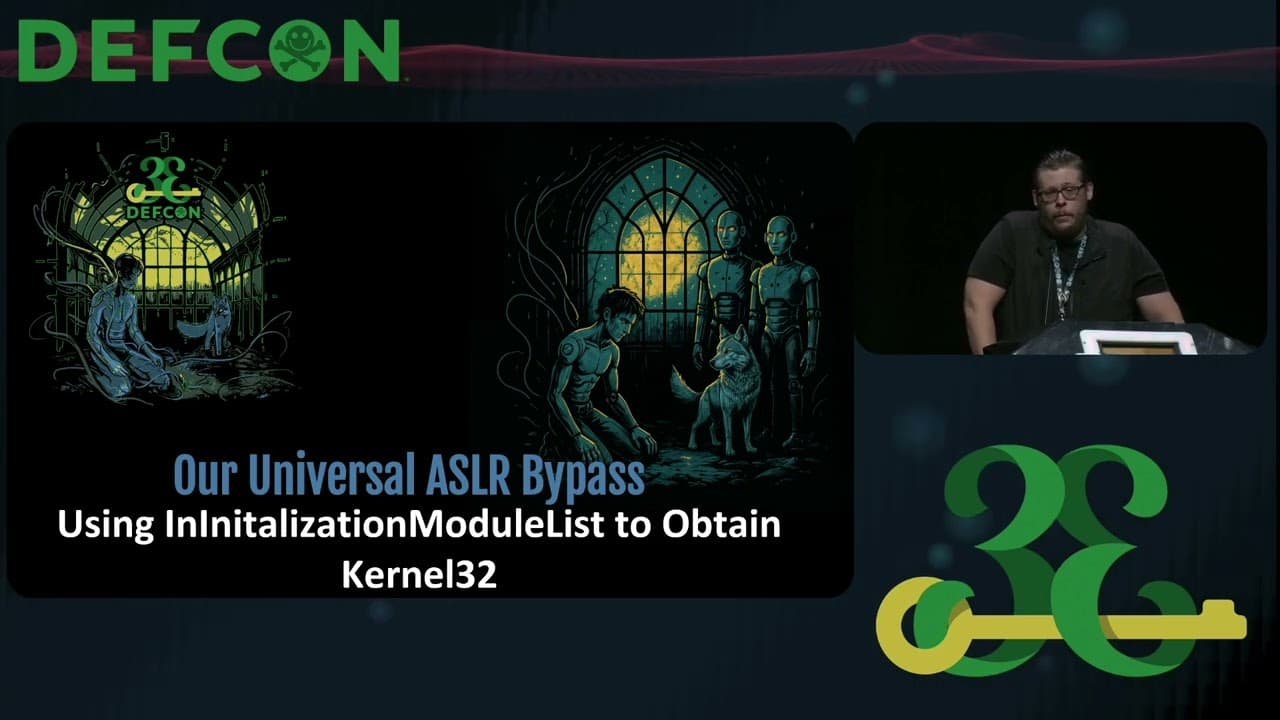
Can't Stop the ROP: Automating Universal ASLR Bypasses for Windows
Similar Talks

Kill List: Hacking an Assassination Site on the Dark Web
Anyone Can Hack IoT: A Beginner's Guide to Hacking Your First IoT Device