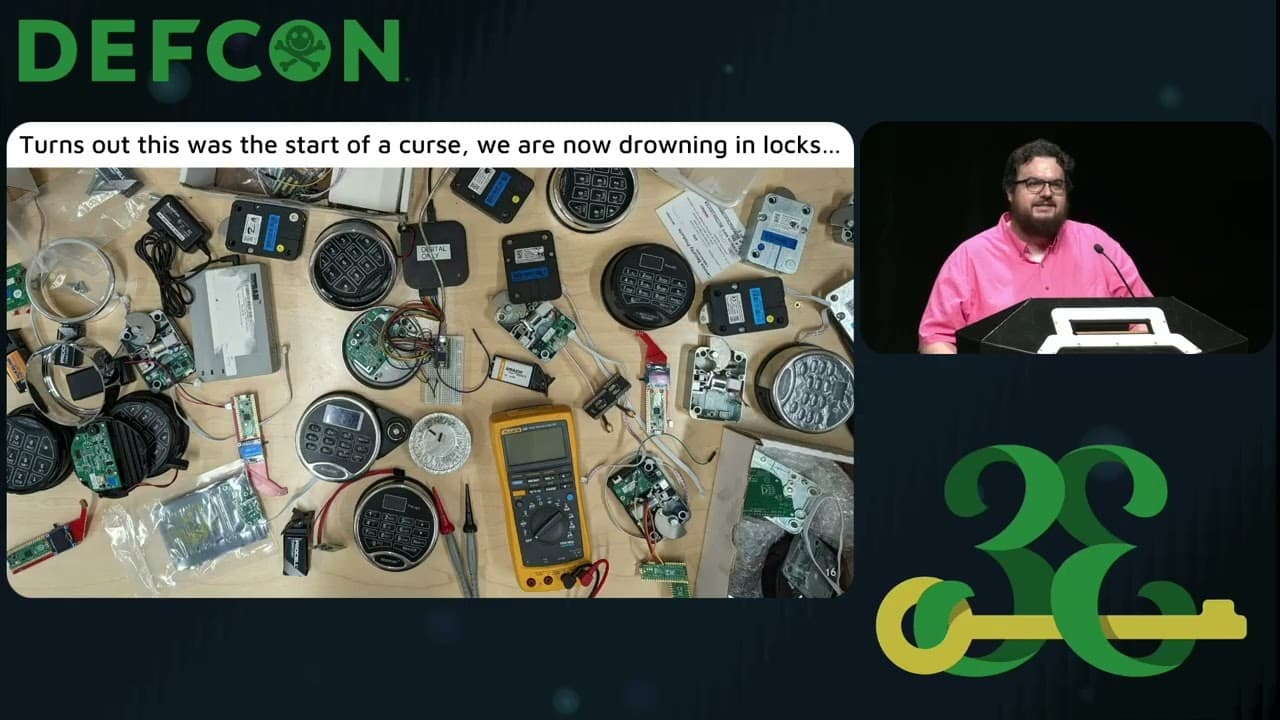
How to Make Badges
This talk provides a practical, step-by-step guide to designing and manufacturing custom hardware badges for security conferences. It covers the entire lifecycle, from conceptualization and component selection to PCB design using EasyEDA and manufacturing considerations. The presentation emphasizes the importance of understanding pin definitions, power requirements, and PCB layer design to ensure functionality and manufacturability. It also offers advice on sourcing components and managing production costs for small-batch hardware projects.
Building Custom Hardware Badges: A Practical Guide to PCB Design and Production
TLDR: Creating custom hardware badges for security conferences is a rite of passage for many researchers, but the jump from breadboard to production is often where projects fail. This guide breaks down the essential workflow for designing, prototyping, and manufacturing custom PCBs using EasyEDA and JLCPCB. By mastering layer management, understanding pin definitions, and optimizing for cost, you can move from a messy prototype to a professional-grade badge that actually works.
Hardware hacking is often perceived as a dark art reserved for electrical engineers with expensive oscilloscopes and decades of experience. In reality, the barrier to entry for designing your own hardware is lower than it has ever been. Whether you are building a custom badge for a local BSides event or just want to create a specialized tool for your next red team engagement, the process is surprisingly accessible if you know how to navigate the design-to-manufacturing pipeline.
From Concept to Schematic
Every hardware project starts with an idea, but the transition to a physical board requires a disciplined approach to planning. Before you touch any design software, you need to define the constraints of your project. Are you building a simple "blinky" badge that runs off a CR2032 coin cell, or does your project require the processing power of an RP2040 or the wireless capabilities of an ESP32?
The most common mistake is over-engineering the power supply. If you are using a 3.3V microcontroller, you do not need to overcomplicate your power delivery. A simple linear regulator is often sufficient to step down voltage from a battery pack. Always check the datasheet for your chosen MCU to confirm its power requirements and pin definitions. If you ignore the "Active" and "Boot" states of your pins, you will end up with a board that refuses to power on or enter programming mode.
Mastering PCB Layers in EasyEDA
Once your schematic is solid, you move to the layout phase. Using EasyEDA is the industry standard for this because it integrates seamlessly with manufacturing services. When designing your board, you are essentially working with a stack of layers. Understanding which ones are additive and which are subtractive is critical.
The Top and Bottom layers are where your copper traces live. These are additive, meaning the manufacturer adds copper to the board in the patterns you define. Conversely, the Solder Mask layers are subtractive. When you draw on these layers, you are telling the manufacturer where not to put the protective coating, effectively exposing the copper for soldering.
A common pitfall for beginners is the "Ratlines" layer. These are the blue lines that indicate which pins need to be connected. If you see a ratline on your board, it means you have an open circuit. Never send a design to the fab house until every single ratline has been resolved. Similarly, use the Document layer to add labels or notes that you do not want printed on the final board. Just remember that if you accidentally place these on a copper layer, they will be etched into the board, which can lead to shorts or signal interference.
The Reality of Manufacturing
When you are ready to order, you will be presented with a dizzying array of options. For most badge projects, a standard 1.6mm board thickness is perfect. If you are trying to save weight or space, you can go thinner, but be prepared for the board to feel flimsy.
One specific setting to watch is the "Remove Order Number" option. By default, manufacturers will print a unique identifier on your board. If you are building a custom badge, this ruins the aesthetic. Paying the small fee to have it removed is worth it for the professional finish.
Finally, consider your component sourcing. If you are prototyping, Amazon or local electronics shops are fine for quick, expensive parts. However, for a production run of 50 or 100 badges, you need to use established distributors like DigiKey or Mouser. These vendors provide authentic, reliable components. While sites like AliExpress offer dirt-cheap parts, the failure rate is significantly higher. If you are soldering 500 components by hand, the last thing you want is to discover that 20% of your chips are counterfeit or defective.
Why This Matters for Pentesters
Hardware security is increasingly relevant in modern engagements. Whether you are performing a physical security assessment or looking for backdoors in IoT devices, the ability to design custom interposers, sniffers, or malicious HID devices is a superpower. By learning to design your own PCBs, you stop relying on generic, easily detectable tools and start building custom hardware tailored to the specific constraints of your target.
Start small. Build a simple badge that does one thing well, like an OLED display that shows a scrolling message or a simple sensor-based trigger. Once you have successfully navigated the design, ordering, and assembly process, you will have the confidence to tackle more complex hardware projects that can provide a genuine edge in the field.
Up Next From This Conference
Breaking Secure Web Gateways for Fun and Profit
Listen to the Whispers: Web Timing Attacks That Actually Work
Abusing Windows Hello Without a Severed Hand
Similar Talks
Unmasking the Snitch Puck: The Creepy IoT Surveillance Tech in the School Bathroom
Anyone Can Hack IoT: A Beginner's Guide to Hacking Your First IoT Device