Open-Source Hardware Badge Design
This talk demonstrates the design and production process for creating custom, open-source hardware conference badges. It covers the integration of embedded microcontrollers, infrared communication circuits, and custom PCB layouts to create interactive, low-cost electronic badges. The presentation highlights the cost-effectiveness of using contract manufacturers for small-batch production and provides practical advice on hardware prototyping and assembly.
Designing Custom Hardware Badges for Security Research
TLDR: Creating custom hardware badges for security conferences is a practical way to learn embedded systems, PCB design, and low-power communication protocols. This talk breaks down the process of integrating RP2040 microcontrollers, infrared transceivers, and custom PCB layouts into interactive, cost-effective devices. For security researchers, these badges serve as both a learning platform and a tool for exploring hardware-level vulnerabilities and side-channel communication.
Hardware hacking is often treated as a dark art, reserved for those with deep pockets and specialized labs. Yet, the barrier to entry for designing custom hardware is lower than it has ever been. If you are a pentester or researcher, building your own hardware—specifically interactive conference badges—is the fastest way to demystify the black box of embedded systems. You stop looking at a device as a finished product and start seeing it as a collection of components, traces, and firmware that you can manipulate.
The Anatomy of a Custom Badge
Designing a badge that is both functional and cost-effective requires balancing performance with power constraints. The core of the design discussed in this research is the RP2040 microcontroller, a dual-core ARM Cortex-M0+ chip that has become the industry standard for hobbyist and professional embedded projects alike. It is cheap, well-documented, and supports a variety of programming environments, including CircuitPython.
The badge design focuses on three primary subsystems: the controller, the display, and the communication interface. For the display, using OLED or LCD modules allows for interactive UI elements, but these components are often the most power-hungry parts of the build. The research emphasizes using KiCad for the entire PCB design process. KiCad is the industry standard for open-source EDA, and its ability to handle complex routing and 3D visualization makes it essential for anyone moving beyond breadboards.
Communication and Interaction
One of the most interesting aspects of this badge design is the use of infrared (IR) for badge-to-badge communication. Instead of relying on power-intensive radio protocols like Bluetooth or Wi-Fi, the badge uses a simple IR transceiver circuit. This is a classic example of "lazy" engineering—the best kind. By using IR, you keep the power consumption low enough to run on a standard Li-Po battery for the duration of a conference, while still enabling interactive features like badge-to-badge games or data exchange.
The IR communication is implemented as a simple UART-over-IR connection. You don't need complex modulation schemes to get this working. You can simply pipe your serial data through an IR LED and pick it up on the other side with an IR receiver. The code for this is straightforward:
import board
import busio
import pulseio

# Simple UART over IR setup
ir_tx = pulseio.PulseOut(board.GP16, frequency=38000, duty_cycle=2**15)
ir_rx = pulseio.PulseIn(board.GP17, maxlen=64, idle_state=True)
This setup allows for a low-bandwidth, short-range communication channel that is perfect for "capture the flag" style interactions between attendees.
Production and Cost Optimization
The most significant hurdle for many researchers is the perceived cost of manufacturing. The research highlights that you do not need to order thousands of units to get a professional-grade board. Using contract manufacturers like JLCPCB allows for small-batch production that is surprisingly affordable.
The key to keeping costs under $10 per unit is component selection. By choosing common, off-the-shelf components and avoiding exotic sensors, you can significantly reduce the bill of materials. Furthermore, the research notes that assembling the boards yourself—or using a pick-and-place service for the small surface-mount components—is a critical skill. If you are hand-soldering, sticking to 0603 or 0402 components is manageable with a microscope, but for mass production, you should design your PCB to be compatible with automated assembly lines.
Real-World Security Implications
Why should a software-focused pentester care about this? Because every piece of hardware you test—from IoT cameras to industrial controllers—is built using these same principles. When you understand how to route a PCB, how to select components, and how to write firmware for an RP2040, you gain a massive advantage during hardware assessment engagements.
You start to recognize common design patterns, such as exposed debug headers or insecure bootloader implementations. You learn to identify where a manufacturer cut corners to save a few cents on the bill of materials, which is often exactly where the security vulnerabilities lie. For example, if a device uses an insecure communication protocol for its internal sensors, you will be able to spot the lack of encryption or authentication on the traces immediately.
Defensive Considerations
From a defensive perspective, the lesson here is about the supply chain and the physical security of the device. If your hardware is easily accessible, it is easily compromised. Ensure that your production designs include measures to disable JTAG/SWD interfaces after manufacturing and consider using secure elements if your device handles sensitive keys or data. While these badges are designed for fun and research, the same design flaws that make them easy to hack are present in millions of deployed IoT devices.
Building your own hardware is the ultimate way to sharpen your skills. It forces you to deal with the physical reality of bits and bytes. Whether you are looking to create a custom tool for your next engagement or just want to understand the hardware you are testing, start by designing a simple badge. You will learn more in one afternoon of soldering and debugging than you will in a month of reading datasheets.
Target Technologies
Up Next From This Conference
Breaking Secure Web Gateways for Fun and Profit
Listen to the Whispers: Web Timing Attacks That Actually Work
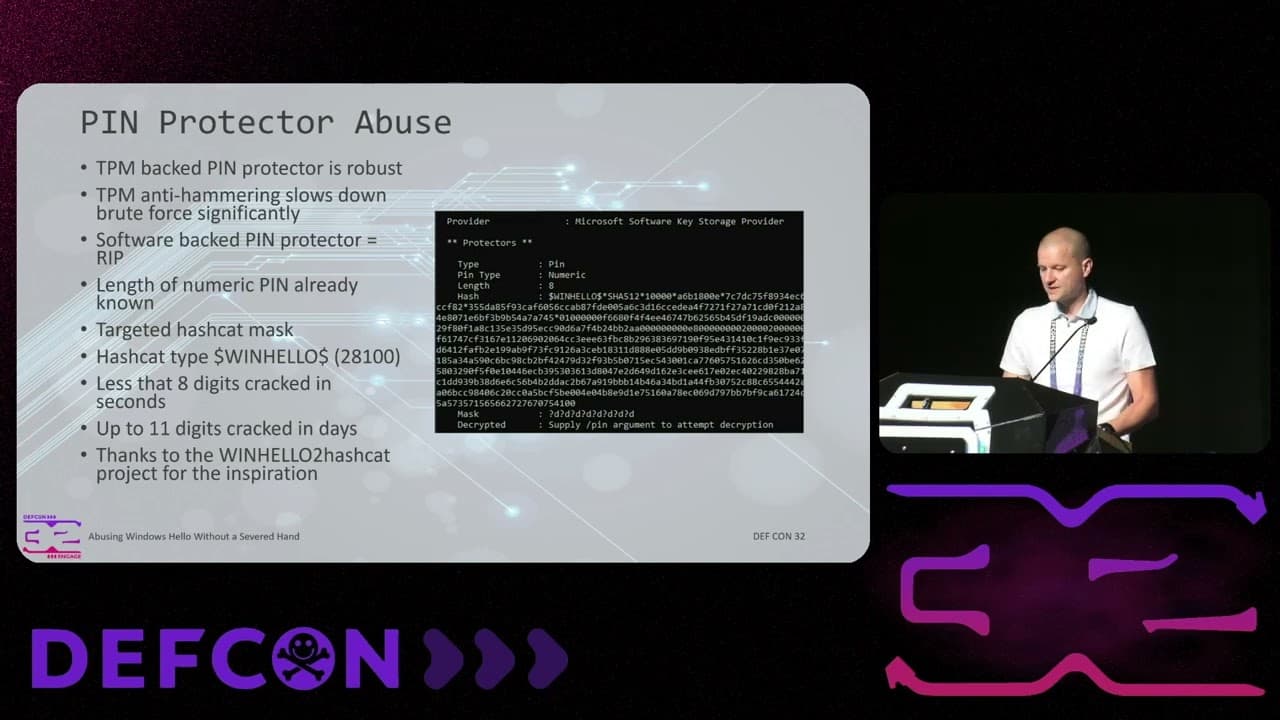
Abusing Windows Hello Without a Severed Hand
Similar Talks
Hacking Apple's USB-C Port Controller
Unmasking the Snitch Puck: The Creepy IoT Surveillance Tech in the School Bathroom