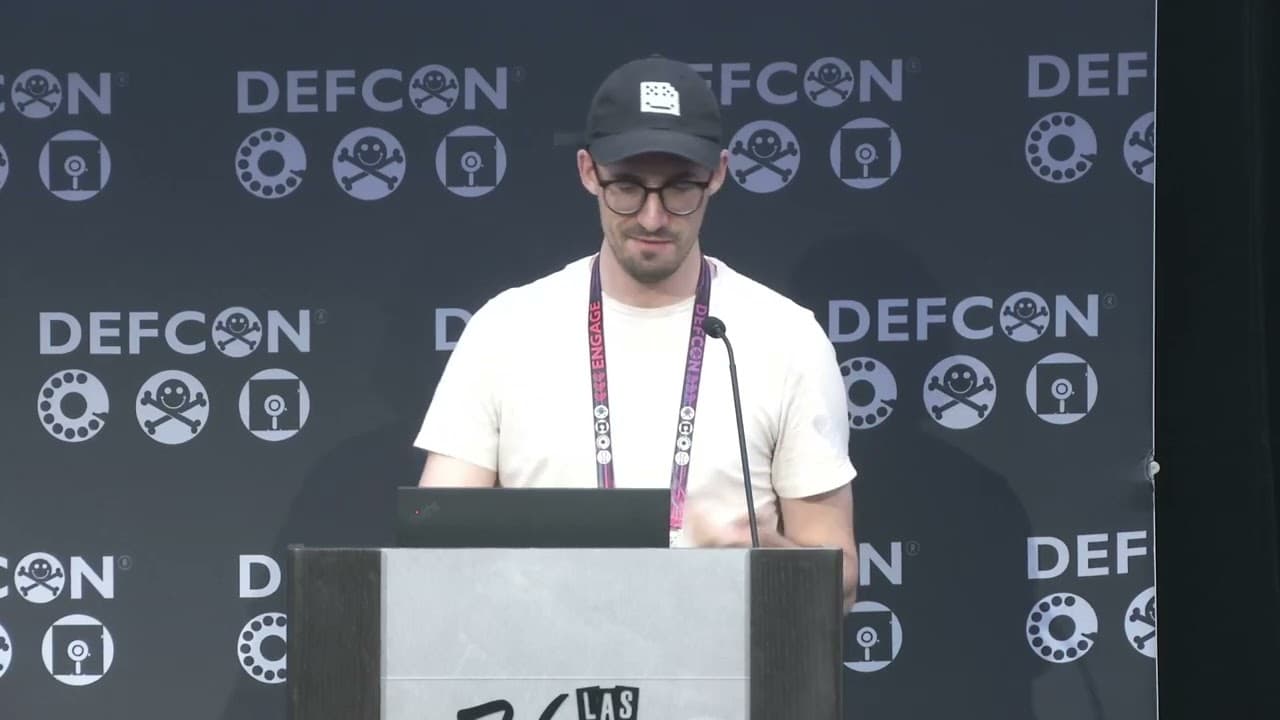
QuickShell: RCE Attack Chain on Quick Share
This talk demonstrates a multi-stage RCE attack chain against the Quick Share file transfer protocol on Windows. The researchers identify several logical vulnerabilities, including a file acceptance bypass and a method to force persistent Wi-Fi connections, which are chained to achieve arbitrary code execution. The presentation highlights the importance of auditing seemingly minor logical flaws in inter-process communication and file handling mechanisms.
Exploiting the Quick Share Protocol: From Logic Flaws to RCE
TLDR: Researchers at SafeBreach discovered a chain of ten vulnerabilities in the Quick Share protocol for Windows, enabling remote file writes and arbitrary code execution. By chaining a file acceptance bypass with a persistent Wi-Fi connection forced via a rogue access point, they could overwrite downloaded executables before they were executed. This research highlights how seemingly minor logical flaws in inter-process communication can be weaponized into high-impact attack chains.
Security researchers often focus on memory corruption, but the most dangerous vulnerabilities are frequently found in the business logic of inter-process communication. The recent research into Google’s Quick Share protocol is a masterclass in chaining "unexploitable" bugs into a functional Remote Code Execution (RCE) chain. By targeting the Windows implementation of this file transfer service, the team at SafeBreach demonstrated that even well-intentioned features like "Auto-Accept" can become a massive attack surface.
The Anatomy of the Chain
The researchers began by auditing the protocol using WinAFL and DynamoRIO for instrumentation, combined with libprotobuf-mutator to handle the protocol's Protobuf-based structure. This setup allowed them to fuzz the file transfer flow effectively.
The primary goal was to achieve RCE by overwriting an executable file in the user's "Downloads" folder before the user could run it. This required three distinct capabilities: forcing a persistent network connection, identifying the file name of a pending download, and bypassing the file acceptance dialog.
Forcing Persistent Connections
Quick Share typically uses a variety of communication methods, including Wi-Fi Direct and hotspots. The researchers found that by forcing a victim device to connect to a rogue Wi-Fi access point and then triggering a crash in the Quick Share service, they could keep the Wi-Fi connection active indefinitely. This was achieved by exploiting a Denial of Service (DoS) vulnerability that prevented the service from returning to its original network state. This persistent connection allowed the attacker to act as a Man-in-the-Middle (MITM) for the victim's traffic.
Identifying and Overwriting Files
The most critical part of the chain involved identifying the file name of a download in progress. Because Chrome and other browsers use a predictable naming convention for temporary files (e.g., Unconfirmed 550383.crdownload), the researchers could monitor the traffic to determine the file size and the domain of origin. By mapping these "Domain Paths" to known installer sizes, they could accurately guess the final file name.
The final piece of the puzzle was the file acceptance bypass. By sending the payload directly and skipping the standard handshake, they could write files to the disk without user interaction. This was assigned CVE-2024-38272. When combined with CVE-2024-38271, which addressed the forced Wi-Fi connection, the researchers had a reliable path to replace a legitimate installer with a malicious one.
Real-World Implications for Pentesters
During a red team engagement, this research changes how we look at file transfer utilities. If you are testing an environment where users frequently share files between mobile and desktop devices, the Quick Share service is a high-value target. The ability to drop a file into a user's "Downloads" folder without a prompt is a significant Broken Access Control issue.
If you encounter this service in the wild, check the versioning. Google has patched these issues, but the research serves as a reminder that "trusted" local services often lack the same security scrutiny as cloud-facing APIs. When auditing similar services, look for:
- Implicit Trust: Does the service automatically accept connections from "Your Devices" or "Contacts"?
- State Management: What happens to the service state when a connection is interrupted or crashed?
- File Handling: Does the service use predictable paths or naming conventions that can be guessed via network metadata?
Defensive Considerations
For blue teams, the primary takeaway is the necessity of monitoring local service behavior. While you cannot easily block the Quick Share protocol without breaking functionality, you can implement endpoint detection rules that flag unexpected file writes to the "Downloads" folder originating from non-browser processes.
Furthermore, this research underscores the danger of "Auto-Accept" features. If your organization manages Windows endpoints, consider using Group Policy or MDM solutions to restrict the "Who can share with you" settings to "No one" or "Your devices only" if the business use case does not strictly require it.
The most effective way to secure these systems is to treat local inter-process communication with the same level of paranoia as external network traffic. If a service is designed to be "convenient," it is almost certainly designed to be permissive. As this research proves, that convenience is exactly what an attacker needs to turn a standard stone into a deadly drone.
Vulnerability Classes
Tools Used
Target Technologies
Attack Techniques
OWASP Categories
Up Next From This Conference
Breaking Secure Web Gateways for Fun and Profit
Listen to the Whispers: Web Timing Attacks That Actually Work
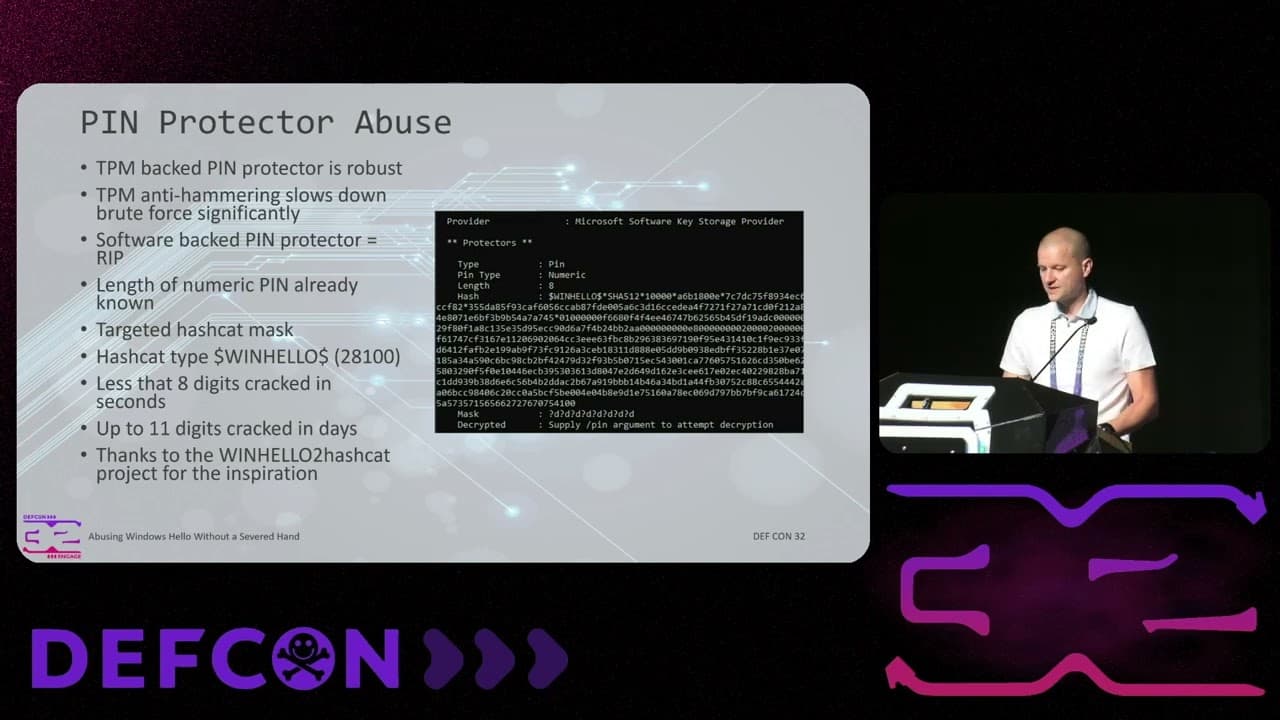
Abusing Windows Hello Without a Severed Hand
Similar Talks
Inside the FBI's Secret Encrypted Phone Company 'Anom'

Kill List: Hacking an Assassination Site on the Dark Web