Beginner's Guide To Malicious Browser Extensions
This talk explores the security risks associated with malicious browser extensions, which function as powerful, persistent, and often overlooked attack vectors. The speaker demonstrates how extensions can be used to siphon cryptocurrency, intercept OAuth tokens, and inject affiliate tracking codes into user traffic. The presentation highlights the importance of treating browser extensions as critical software supply chain dependencies that require rigorous auditing and permission management.
Why Your Browser Extensions Are Silent Backdoors for Your Data
TLDR: Browser extensions operate with broad permissions that often bypass standard security controls, making them a prime target for silent data exfiltration and session hijacking. Research presented at BSides London 2025 demonstrates how seemingly benign extensions can siphon cryptocurrency, intercept OAuth tokens, and inject malicious tracking code without triggering user alerts. Security professionals must treat these extensions as critical software supply chain dependencies rather than harmless productivity tools.
Browser extensions are the ultimate blind spot in modern security. We spend thousands of hours hardening our infrastructure, patching servers, and implementing zero-trust architectures, yet we routinely grant arbitrary third-party code full access to our browser sessions. This is not a theoretical risk. It is a persistent, high-value attack vector that allows adversaries to operate inside the perimeter, often with the user's explicit permission.
The Mechanics of Extension-Based Attacks
The core issue is the privilege model. When you install an extension, you are essentially granting it the ability to act as a man-in-the-middle for your own traffic. Because these extensions run in the browser context, they can read and modify the DOM, intercept network requests, and access local storage.
Consider the case of Crypto Copilot, a Chrome extension that appeared to be a legitimate trading tool. On the surface, it provided real-time insights for Solana transactions. Under the hood, it was silently siphoning a small percentage of every swap performed by the user. Because the malicious logic was deeply obfuscated within the JavaScript, it bypassed standard marketplace audits. The user never saw a pop-up or a warning because the extension was simply performing its "function" as a trading assistant.
OAuth Token Interception and Session Hijacking
Perhaps more dangerous than direct theft is the ability of extensions to intercept authentication tokens. A recent example involved a Firefox extension disguised as a Google Calendar synchronization tool. The extension functioned exactly as advertised, syncing events and providing a seamless user experience. However, once the user authenticated with Google, the extension intercepted the OAuth access token.
This technique is particularly devastating because it bypasses Multi-Factor Authentication (MFA). Once the attacker has the token, they do not need to re-authenticate. They can use the token to access the user's account, manipulate calendar data, or even pivot to other services connected via the same OAuth provider. This falls squarely under the OWASP A07:2021 – Identification and Authentication Failures, as the extension effectively subverts the authentication flow by stealing the resulting session material.
The Supply Chain of Malicious Code
We often think of supply chain attacks in terms of compromised npm packages or CI/CD pipelines, but browser extensions are a massive, decentralized supply chain. Many extensions are open-source, which gives us a false sense of security. We assume that because the code is visible, it is safe.
The reality is that most users, and even many developers, do not have the time or the expertise to audit the obfuscated JavaScript found in these packages. Attackers know this. They build a reputation with a useful, clean extension, and then push a malicious update that introduces the exfiltration logic. By the time the community catches on, the extension has already been deployed to thousands of endpoints.
Practical Implications for Pentesters
If you are running a red team engagement or a penetration test, stop ignoring the browser. During your next assessment, include an audit of the extensions installed on the target's machine. You will often find extensions that have been granted "read and change all your data on the websites you visit" permissions.
When you find these, check their manifest files. Look for:
host_permissions: Does the extension have access to domains it does not need?permissions: Is it requestingstorage,tabs, orwebRequestwithout a clear functional requirement?background: Is there a persistent background script that runs even when the extension UI is closed?
If you are testing a web application, consider how an extension could be used to perform a cross-site request forgery (CSRF) or to exfiltrate sensitive data from the application's dashboard. An extension with broad permissions can effectively act as a persistent XSS payload that survives page refreshes and domain changes.
Defensive Strategies
Defending against this requires a shift in mindset. You cannot rely on the browser's built-in marketplace security to protect your organization.
- Enforce Least Privilege: Use Group Policy or MDM solutions to restrict the installation of extensions. Only allow a curated, audited list of extensions.
- Continuous Auditing: Treat extensions as software dependencies. If you have a large organization, use tools that monitor for changes in extension permissions or code.
- User Education: Teach your team that "installing an extension" is equivalent to "installing an application." If they do not trust the developer, they should not trust the code.
The less you install, the smaller your attack surface. Every extension you add is a new, unvetted piece of code running with your credentials. Before you click "Add to Chrome," ask yourself if the productivity gain is worth the risk of handing over your session tokens to an unknown third party. The next time you see a "helpful" tool, treat it like a piece of untrusted software, because that is exactly what it is.
Vulnerability Classes
Target Technologies
All Tags
Up Next From This Conference
From Chaos to Calm: Mastering InfoSec Audits
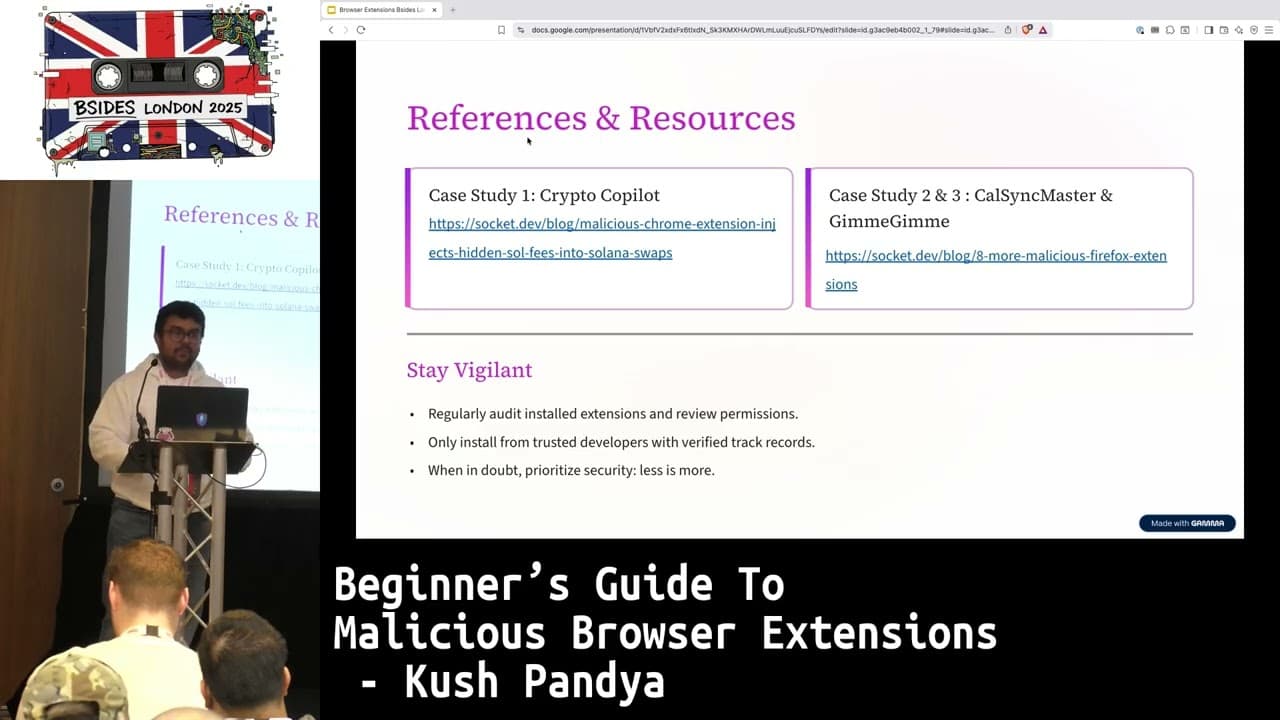
Beginner's Guide To Malicious Browser Extensions
If I Can Do It, So Can They: Lessons From Building A Phishing Simulation Tool And The Rise Of Phishing-as-a-Service
Similar Talks

Kill List: Hacking an Assassination Site on the Dark Web
Exploiting Shadow Data in AI Models and Embeddings