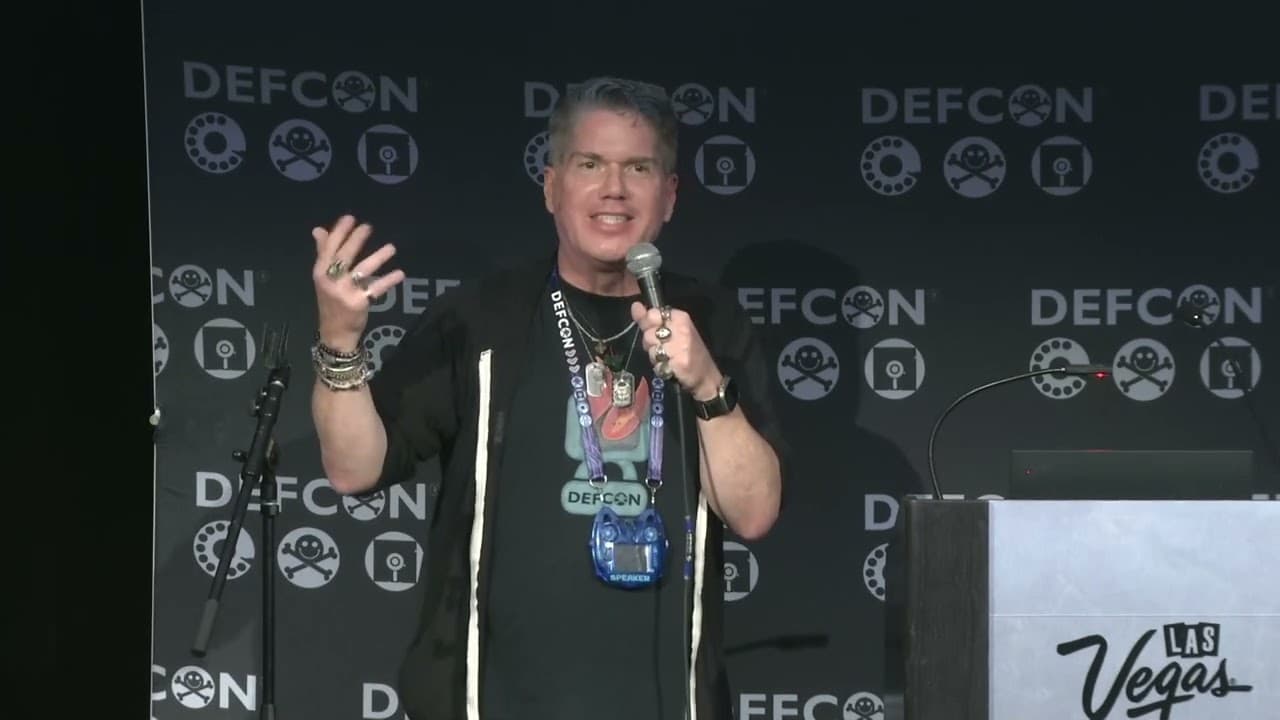
Pipeline to Problems: My Early DevOps Lessons in Security Culture
The talk demonstrates the security risks associated with hardcoding sensitive credentials, such as AWS access keys, directly into CI/CD pipeline configuration files. It highlights how these exposed secrets can be discovered through Git history, leading to potential unauthorized access and cloud infrastructure compromise. The speaker emphasizes the importance of integrating secret scanning tools and adopting a security-first mindset within DevOps workflows to prevent such vulnerabilities. Practical remediation strategies, including the use of environment variables and IAM roles with least-privilege access, are discussed.
Hardcoded AWS Keys in Jenkins: A Recipe for Cloud Compromise
TLDR: Hardcoding AWS access keys in CI/CD configuration files remains a critical, high-impact vulnerability that grants attackers immediate control over cloud infrastructure. Even after deleting the sensitive files, the keys often persist in Git history, making them easily discoverable by automated scanners. Security researchers and pentesters should prioritize auditing repository history and implementing secret scanning tools to prevent these credentials from becoming a gateway for full account takeover.
Developers often treat CI/CD pipelines as black boxes, focusing on the "green tick" of a successful build rather than the security implications of the configuration itself. When a pipeline finally runs after days of debugging, the instinct is to lock it down and never touch it again. This "don't touch it" mentality is exactly where attackers thrive. Hardcoding AWS credentials into a Jenkinsfile or similar configuration file is a classic, yet still pervasive, mistake that turns a minor oversight into a full-blown infrastructure compromise.
The Mechanics of the Exposure
The vulnerability is straightforward but devastating. When a developer commits a Jenkinsfile containing plaintext AWS access keys to a repository, those credentials become part of the project's history. Even if the developer realizes the mistake and deletes the file in a subsequent commit, the credentials remain in the Git history.
Git is designed to preserve every change, meaning the sensitive data is still accessible to anyone with read access to the repository. Attackers do not need to guess these keys. They use automated bots that scan public and private repositories 24/7, specifically looking for patterns that match AWS access keys. Once a bot identifies a valid key, it can be exploited within seconds.
The impact of this exposure is severe. AWS access keys function as master keys for your cloud environment. With these credentials, an attacker can perform any action allowed by the associated IAM policy. This includes creating, modifying, or deleting resources, exfiltrating data, or even launching cryptomining operations that result in massive, unexpected bills. The OWASP Identification and Authentication Failures category highlights exactly why this is a critical risk.
Technical Reality: Beyond the Commit
For a pentester or bug bounty hunter, the first step in an engagement is often reconnaissance, which includes deep-diving into repository history. You are not just looking at the current state of the code; you are looking for the "oops" moments in the commit logs.
To find these, you can use tools like Gitleaks or TruffleHog. These tools are designed to scan through the entire history of a repository, identifying secrets that were committed and subsequently "deleted."
If you are manually auditing a repository, you might use a command like this to search for potential AWS key patterns in the history:
git log -p | grep -E "AKIA[0-9A-Z]{16}"
This simple command searches the entire commit history for the standard AWS access key format. If you find a match, you have likely found a valid credential that is still active. The key takeaway here is that deleting a file does not remove it from the repository's memory. You must rotate the keys immediately and, if necessary, perform a hard scrub of the repository history using tools like git filter-repo to permanently remove the sensitive data.
Real-World Impact and Defensive Strategy
The real-world consequences of this vulnerability are well-documented. In 2016, Uber suffered a significant breach because AWS credentials were accidentally uploaded to a private GitHub repository. Attackers discovered the keys, accessed the company's AWS environment, and stole the personal data of 57 million users. The resulting fines and reputational damage were massive. This is not a theoretical risk; it is a recurring pattern that continues to plague organizations of all sizes.
Defenders must move away from the idea that security is an "add-on" or a final step in the development process. It must be baked into the workflow from day one. Instead of hardcoding credentials, use environment variables or, better yet, AWS IAM Roles with the principle of least privilege. This ensures that even if a configuration file is exposed, the attacker does not gain full administrative control over the entire cloud account.
Furthermore, integrating secret scanning into the CI/CD pipeline itself is a non-negotiable requirement. By running a tool like Gitleaks as a pre-commit hook or a build step, you can catch these secrets before they are ever pushed to the remote repository. This shifts the security burden from manual review to automated, consistent enforcement.
Moving Forward
Security is not about fear; it is about care. It is about caring for the systems we build, the people who use them, and the businesses that rely on us to keep those systems secure. If you are a developer, stop hardcoding secrets. If you are a pentester, start looking for these "deleted" secrets in the history. The tools to find them are free and effective, and the vulnerabilities they uncover are often the easiest path to a high-impact finding.
Take the time to audit your own projects today. Do not wait for a bug bounty hunter to find your keys for you. Check your IAM permissions, rotate your keys, and ensure your CI/CD pipelines are scanning for secrets as part of every build. Your future self, and your organization, will be grateful for the effort.
Vulnerability Classes
Tools Used
Attack Techniques
Up Next From This Conference
From Chaos to Calm: Mastering InfoSec Audits
Beginner's Guide To Malicious Browser Extensions
If I Can Do It, So Can They: Lessons From Building A Phishing Simulation Tool And The Rise Of Phishing-as-a-Service
Similar Talks

Firewalls Under Fire: China's Ongoing Campaign to Compromise Network Protection Devices
Unsaflock: Unlocking Millions of Hotel Locks